

How Can We Help?
Date & Time Picker
The Date Picker and Time Picker input fields provide structured ways for respondents to enter date and time information. These fields ensure standardized formatting, reduce manual input errors, and enhance data accuracy for compliance tracking, audit history, and event scheduling.
1. Date Picker
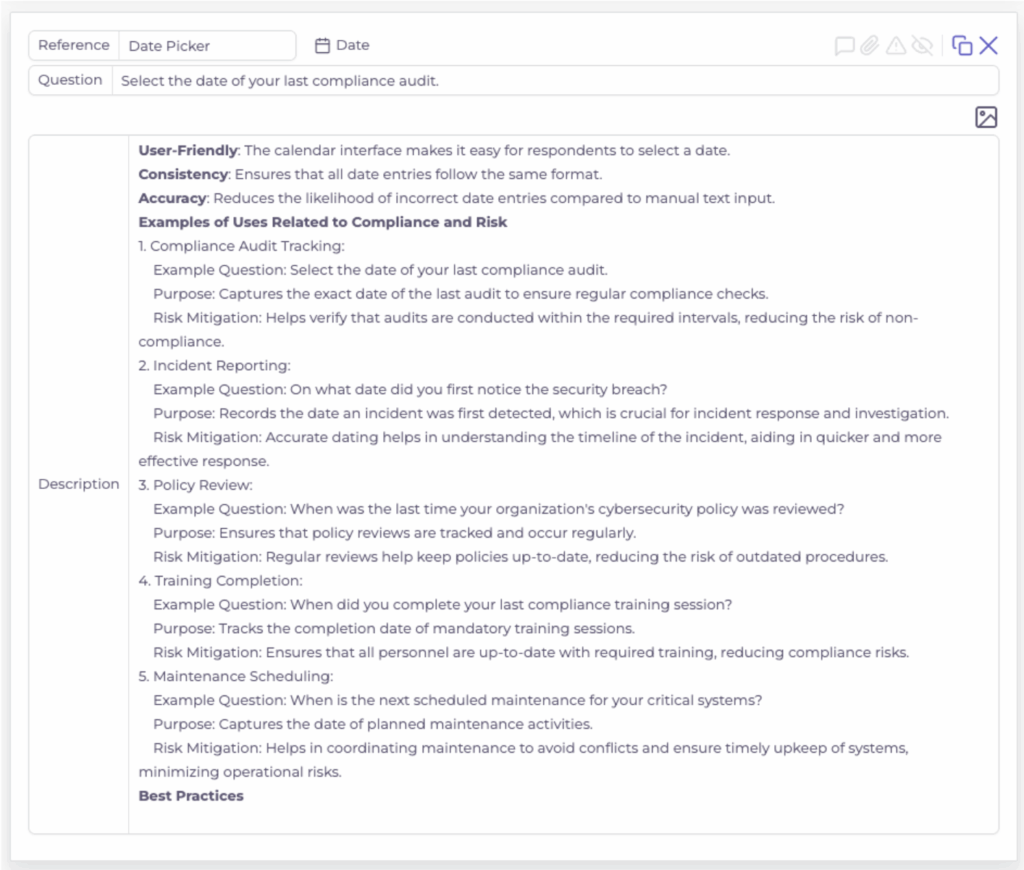
Purpose:
The Date Picker allows respondents to select a specific date from a calendar interface, ensuring uniformity in date formatting.
Use Cases:
- Audit Tracking → “Select the date of your last compliance audit.”
- Incident Reporting → “On what date did you first notice the security breach?”
- Policy Reviews → “When was the last time your cybersecurity policy was reviewed?”
- Training Completion → “When did you complete your last compliance training session?”
- Maintenance Scheduling → “When is the next scheduled maintenance for your critical systems?”
✅ Pros:
- User-Friendly: The calendar interface makes it easy for respondents to select a date.
- Consistency: Ensures all date entries follow the same format.
- Accuracy: Reduces the likelihood of incorrect date entries compared to manual text input.
❌ Cons:
- Limited to Dates: Cannot capture contextual information (e.g., reasons for audit delays).
- May Require Additional Input Fields: Users may need an extra text field to provide explanations.
Risk Mitigation:
- Ensures audits, reviews, and compliance tasks are conducted on time.
- Helps track incident timelines to improve response and investigation efficiency.
2. Time Picker
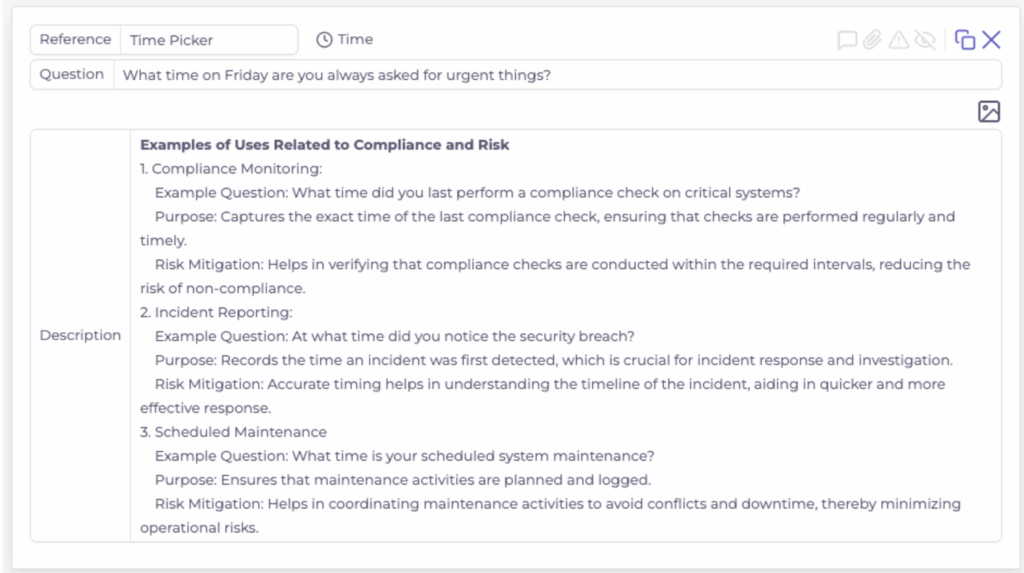
Purpose:
The Time Picker allows respondents to select a specific time of day, ensuring consistency in logging event timestamps.
Use Cases:
- Compliance Monitoring → “What time did you last perform a compliance check on critical systems?”
- Incident Reporting → “At what time did you notice the security breach?”
- Scheduled Maintenance → “What time is your scheduled system maintenance?”
✅ Pros:
- Standardized Format: Prevents inconsistencies in time entries.
- Precision: Ensures accurate tracking of time-sensitive events.
❌ Cons:
- Limited Context: Only records time without additional details.
- Potential for Misuse: Users might input incorrect times if not guided properly.
Risk Mitigation:
- Helps verify timely compliance checks and incident response accuracy.
- Ensures scheduled maintenance activities avoid conflicts and downtime.
How to Use Date & Time Picker in Rapid Assurance
- Select either “Date Picker” or “Time Picker” as the input type.
- Enter your question in the designated field.
- Ensure respondents understand the format (e.g., “Select the exact date of your last security audit.”).
Advanced Features
- Predefined Date/Time Ranges: Restrict selections to prevent invalid entries (e.g., future dates for past audits).
- Integration with Compliance Schedules: Link responses to predefined assessment cycles.
- Clone & Save Favorites: Reuse structured date/time questions in multiple assessments.
When to Use Date/Time Picker vs. Other Input Types
- Use Date/Time Picker when capturing a specific point in time for tracking purposes.
- Use Text Input when allowing respondents to provide additional details (e.g., explanations or notes).